Jarvis Helpdesk — AI-powered customer support for your team. Resolve tickets faster.Try Helpdesk Free →
Confluence
How it works
The Confluence connector pulls in all pages and comments from the specified spaces with a limit of 128 pages.
Setting up
Authorization
-
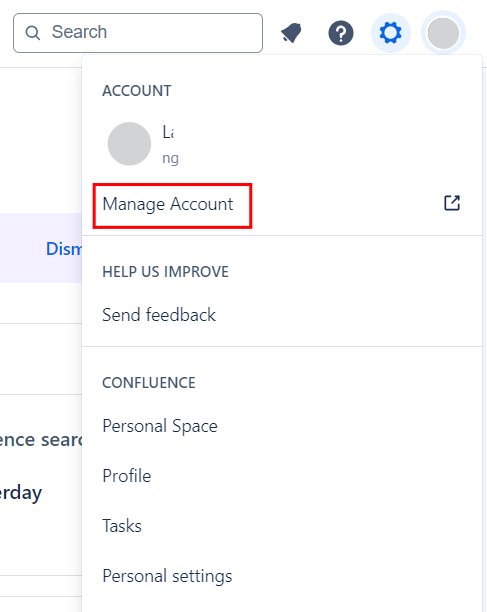
Log into Confluence and click your profile image and select Manage Account from the menu.\
-
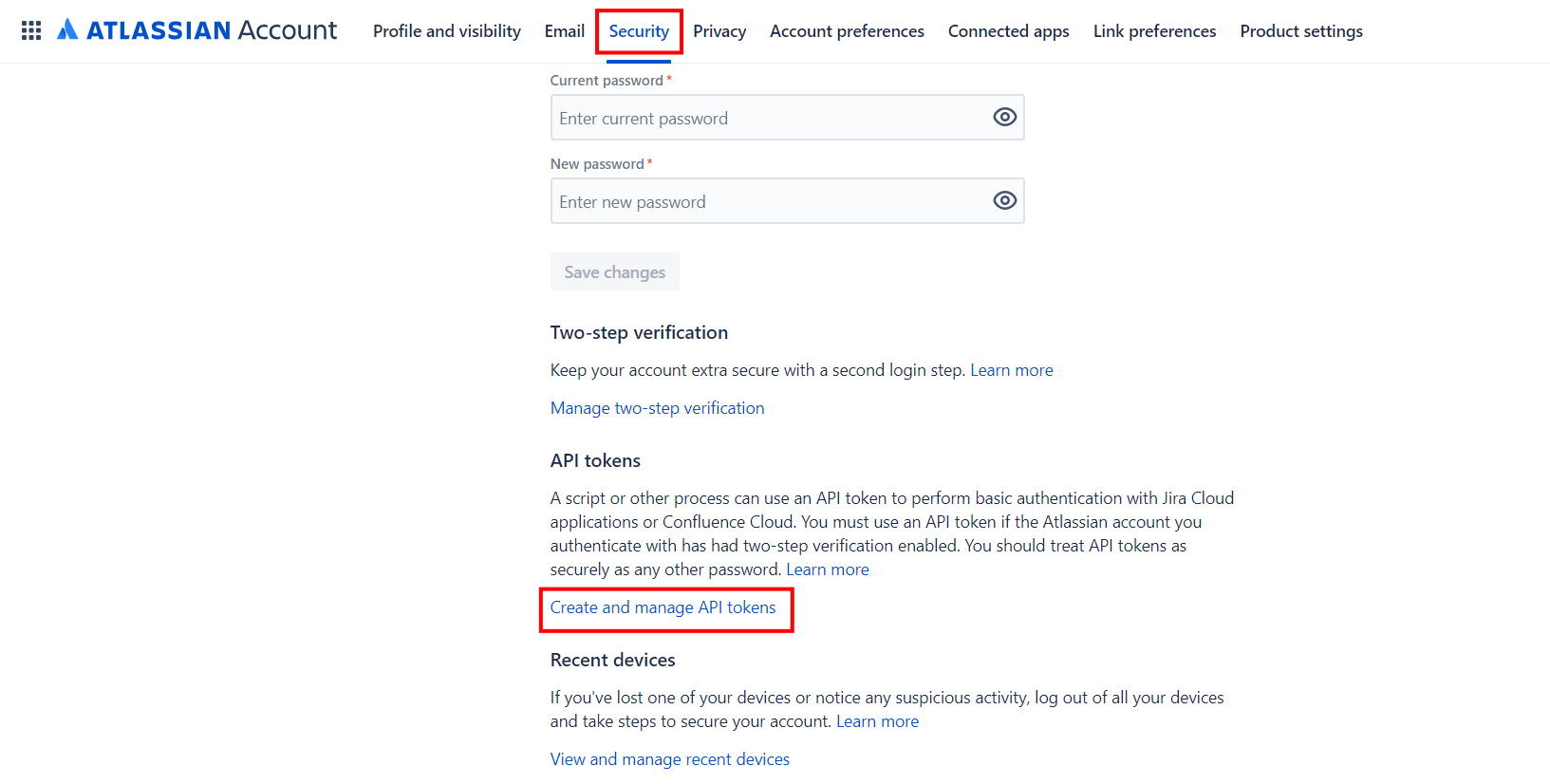
Navigate to Security and click Create and manage API tokens.\
-
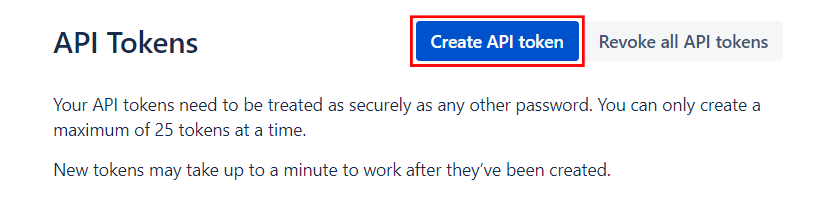
Click Create API token.\
-
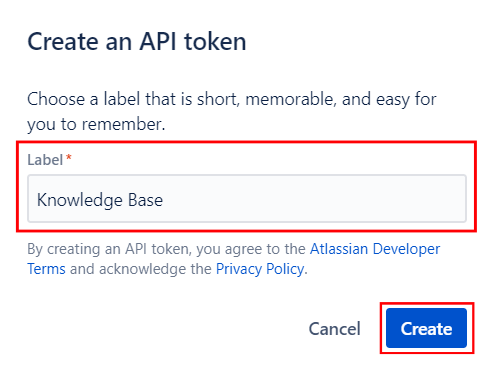
Enter a Label and click Create.\
-
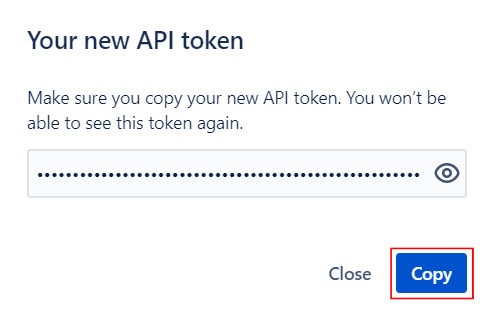
You can copy the token to clipboard.\
Username is the user's email address.
Supercharge Your Customer Support with AI
Jarvis Helpdesk uses AI to auto-draft responses, search your knowledge base, and resolve tickets faster — no setup needed.
Start Using Helpdesk Free→